



 Australia







Spade69 Login
Your Spade69 login needs just two things: the number or username on your account and your password. Enter them, press the green button and you are back in the lobby with your balance, your pokies and any bonus you have claimed. Below we cover each step, access from a handset, quick fixes when something goes wrong and how to set new details.
Spade69 Login Step by Step
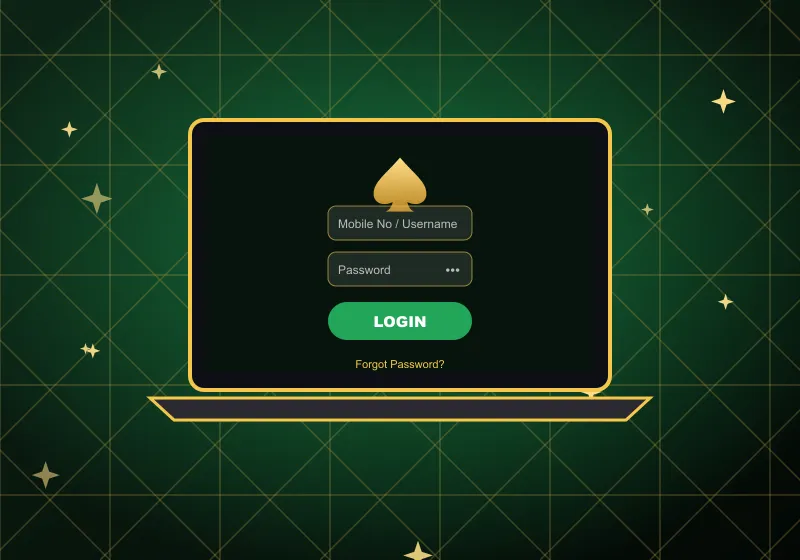
Getting into your account takes well under a minute on any computer:
- Open our site and find the sign-in panel on the home page. It sits next to the Register button, right above your balance.
- In the field Mobile No / Username, type your number or username. Use the format shown in the field: 61 followed by your number without the first 0.
- Enter your password – the 6 to 20 character one you chose when you registered.
- Press the green LOGIN button and the lobby opens.
Once you are in, everything tied to your account is ready. Open the Promo tab to claim free credit or another bonus, check your History, or tap Deposit to top up from A$10. Pokies, live tables and the rest of the lobby are one tap away.
Not registered yet? Press Register, fill in your name, phone number and a password, then confirm the SMS. From then on, the sign-in form accepts the same details.
Spade69 Casino Login on Your Phone
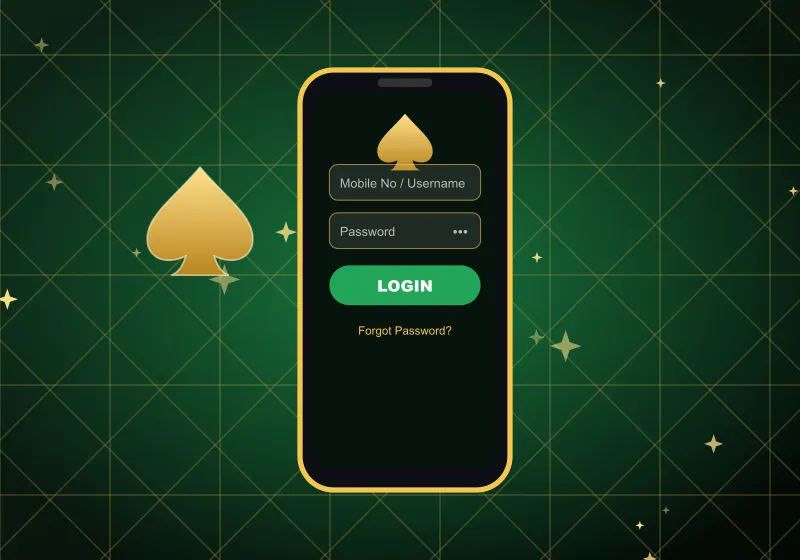
Getting in from a phone works the same way, because our site adapts to every screen size. Open it in your mobile browser, tap the green button and fill in the two fields. Safari, Chrome and other popular browsers all handle it.
On Android you can also use our app. Download it through DOWNLOAD APK in the side menu, install it on your device and enter the same number and details you use on the website. There is nothing extra to set up, and your games and balance are waiting inside.
On an iPhone, the browser is the way to play. Add the site to your home screen for one-tap access next time. Once you are in, the bottom bar gives quick links to Home, History, Promo, Live Chat and Setting.
Can't Get In? Quick Fixes
Most access problems have a simple cause. Work through this list first:
Still stuck? Our support team can check your Spade69 casino login straight away. Live chat sits in the bottom bar and opens even when you are logged out, and we also answer on WhatsApp and Telegram, 24/7.
Reset Your Spade69 Password
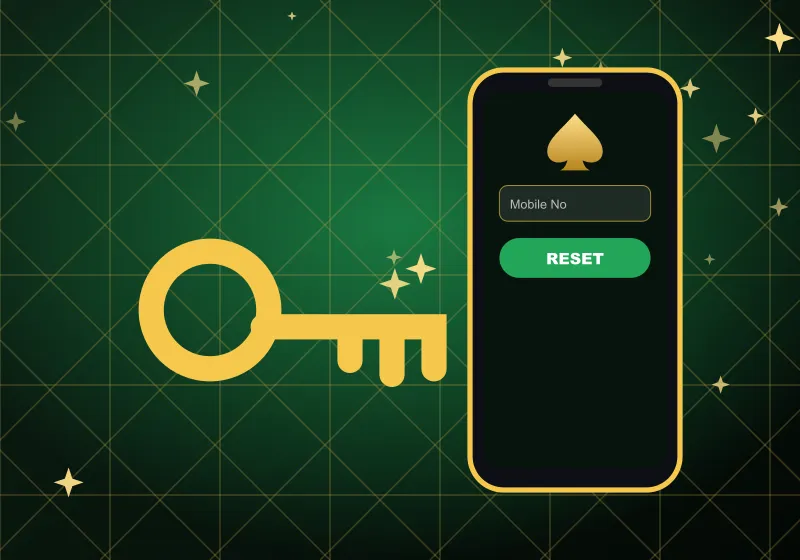
Lost track of your details? You can set new ones yourself in a few taps:
- On the sign-in form, tap Forgot Password.
- Enter the mobile number linked to your account.
- Press Reset Password and follow the instructions.
- Use the link back to the form and enter your new details.
Your number is the key to recovery. For security reasons it cannot be changed from inside the account, so if you no longer use it, message our support team and we will help you regain access. A fresh Spade69 login with the new details takes you straight back to your balance.
Spade69 Login FAQ
Where is the sign-in button?
On the home page, beside Register and just above the balance panel. On a handset it sits in the same spot. The dedicated sign-in page shows the form on the right, with our spade logo above it.
What details do I need?
Your phone number in the 61 format or your username, plus your account password.
I forgot my password – what now?
Use the reset link on the sign-in form and enter your number. If that number is no longer yours, contact live chat.
Does the Spade69 casino login work in the Android app?
Yes. The app uses the same account, so the same number and details work there too.
Why can't I log in right after signing up?
An account is ready only after the SMS confirmation. Complete that step and try again; if it still fails, our support team is online around the clock.